

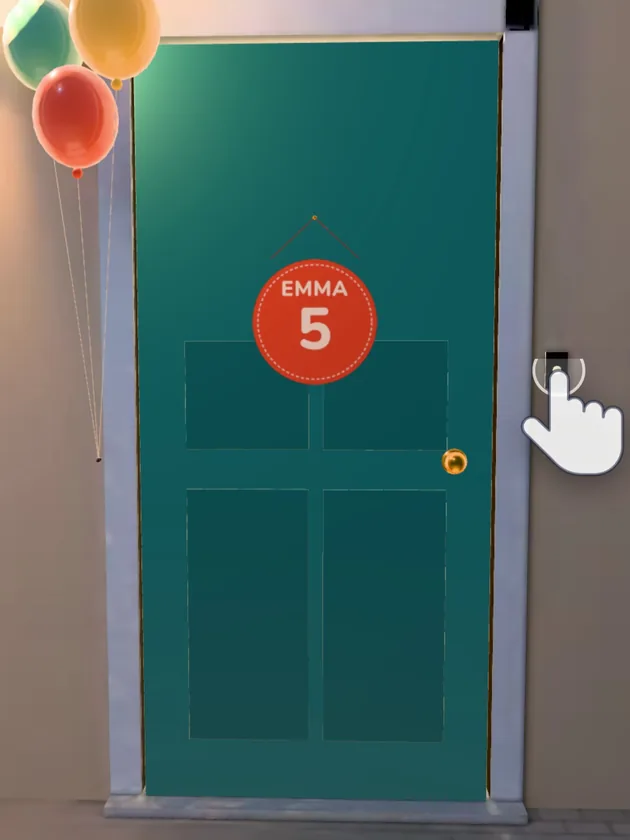
Ring the bell
They ring the bell and push the door open on the party room: cake, banner, confetti.
Open it yourselfYour guests ring the bell and push the door; behind it is the party, with the name, the day and the place.
You make it in the app, on iPhone or Android. The link you send opens on every phone.
They ring the bell and push the door open on the party room: cake, banner, confetti.
Open it yourself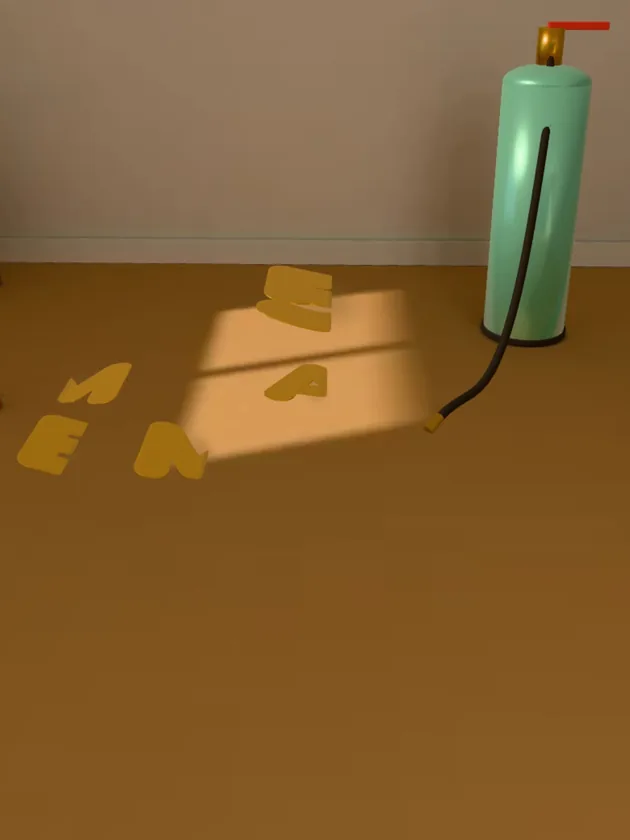
They press the helium tank; the gold letters of the name fill one by one and float up.
Open it yourself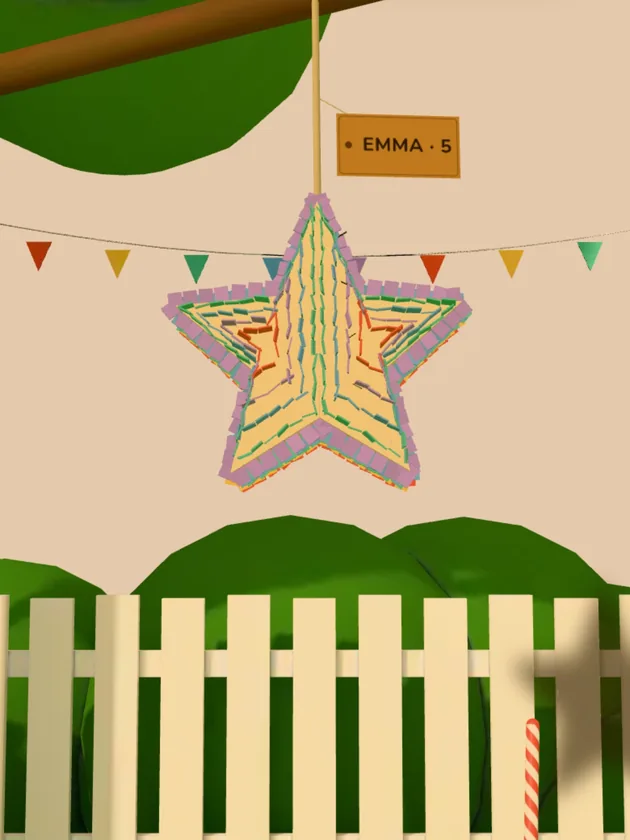
Three swings of the stick and the piñata bursts; sweets rain down with the invitation.
Open it yourself
They pull the switch; the name lights up in neon and the party lights come on.
Open it yourself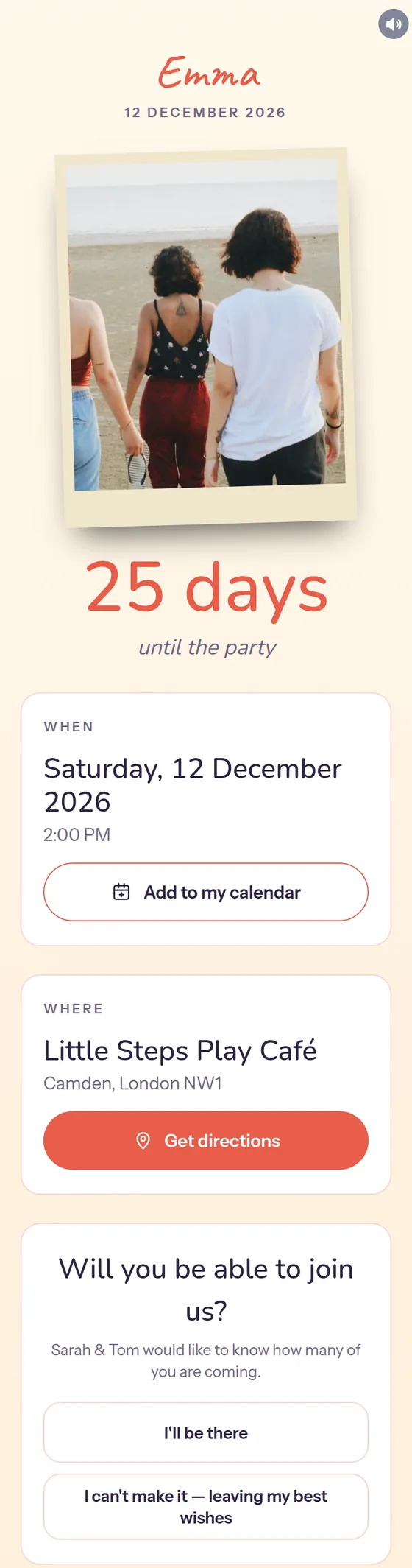
Pick the day, write your words, choose how it opens.
On WhatsApp, by text, anywhere. You can send it to a group, too.
Nothing to install, no account; it opens in their phone’s browser.
Yes. Making one, sending it and collecting replies are free. No subscription, no ads on the invitation.
No. They tap the link and it opens in their phone’s browser, on iPhone and Android. Nothing to install, no account.
Guests tap “I’ll be there” and say how many are coming, or leave their best wishes. The replies are listed in the app.
Yes. Turn on Surprise party: the invitation says “Surprise party! Don’t tell Emma”, and with Ring the bell the door opens on a dark room before the lights come on. Just don’t send the link to the birthday person.
Until 30 days after the party.
The invitation you send opens in the browser of any phone. You make and send it in the Tadabox app, signing in with your Apple or Google account.
It takes a few minutes. Invitations are free, no subscription.