

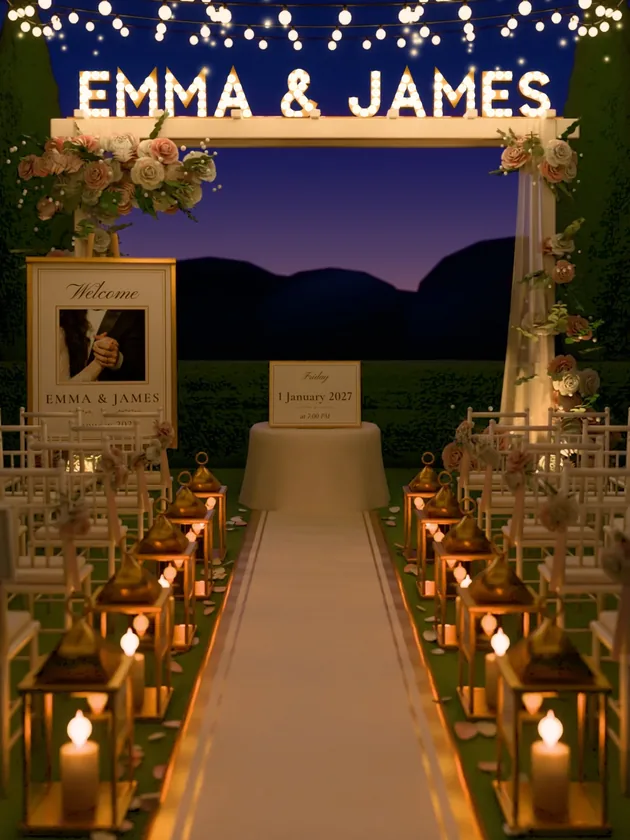
Garden lights
Guests roll out the aisle runner with a finger; the lanterns light up row by row and marquee letters come on one by one over the arch. Then they open the place card on their chair.
Open it yourselfYour guests roll out the aisle runner with a finger; the garden lights up row by row and your names shine over the arch in marquee letters.
You make it in the app, on iPhone or Android. The link you send opens on every phone.
Guests roll out the aisle runner with a finger; the lanterns light up row by row and marquee letters come on one by one over the arch. Then they open the place card on their chair.
Open it yourself
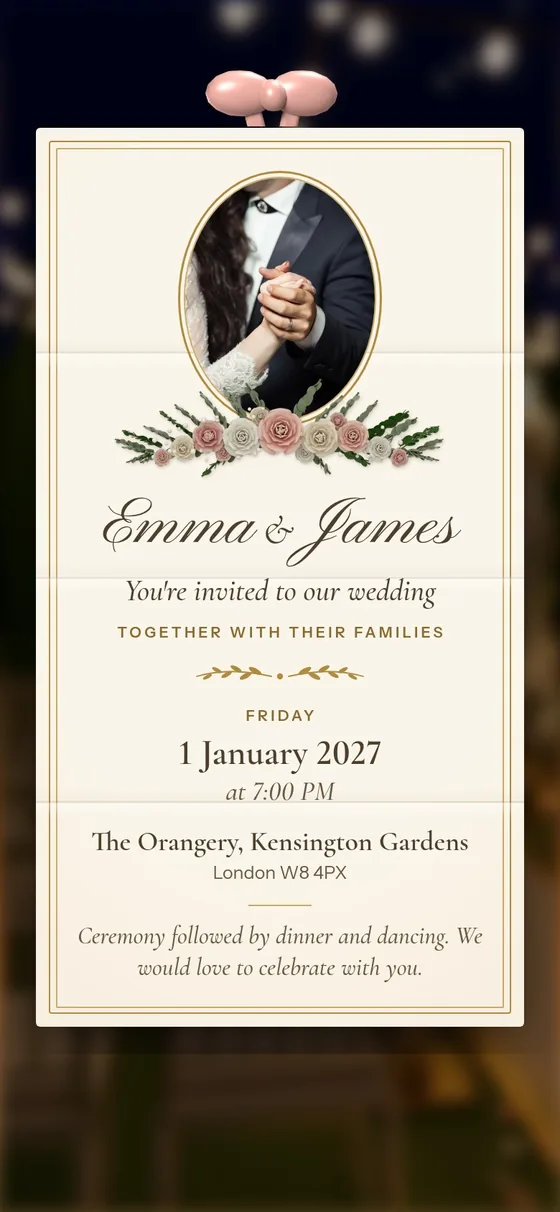
Pick the day, write your words, choose how it opens.
On WhatsApp, by text, anywhere. You can send it to a group, too.
Nothing to install, no account; it opens in their phone’s browser.
Yes. Making one, sending it and collecting replies are free. No subscription, no ads on the invitation.
No. They tap the link and it opens in their phone’s browser, on iPhone and Android. Nothing to install, no account.
Turn the RSVP question on when you make the invitation. Guests tap “I’ll be there” and say how many are coming, or leave their best wishes. For a wedding the question starts off; turn it on if you want it.
Edit it in the app. The link does not change; everyone who opens it sees the new details.
Until 30 days after the wedding.
The invitation you send opens in the browser of any phone. You make and send it in the Tadabox app, signing in with your Apple or Google account.
It takes a few minutes. Invitations are free, no subscription.