

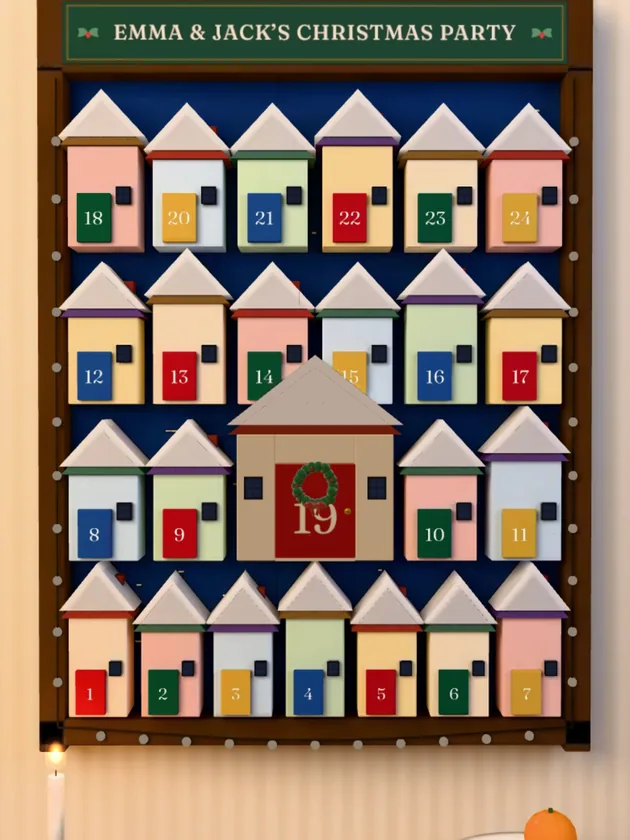
Open the day
They open the party’s door on an Advent calendar; the whole village lights up window by window and the invitation slides out.
Open it yourselfYour guests open the party’s door on an Advent calendar; the village lights up window by window and the invitation slides out, with the day, the time and the place.
You make it in the app, on iPhone or Android. The link you send opens on every phone.
They open the party’s door on an Advent calendar; the whole village lights up window by window and the invitation slides out.
Open it yourself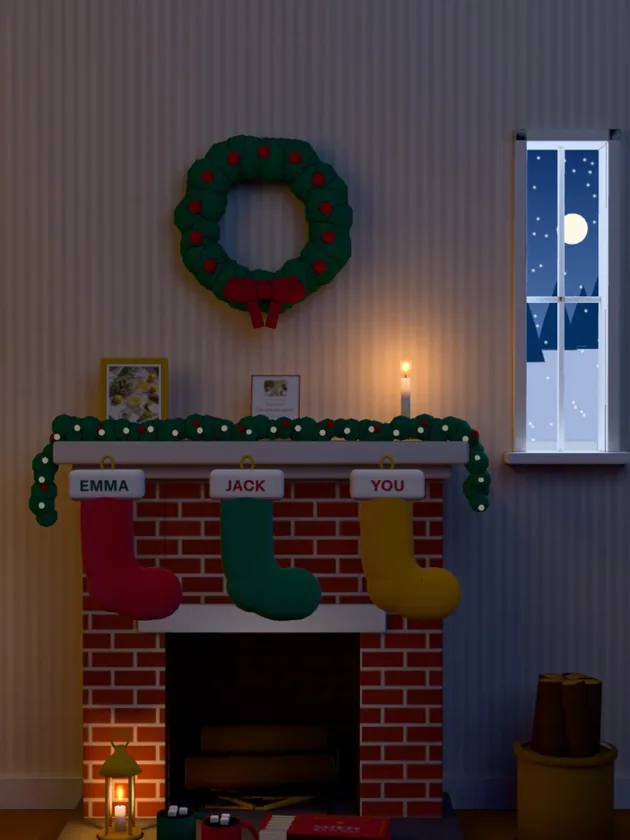
They strike a match and hold it to the logs; the fire catches, the garland lights up, and a stocking on the mantel says YOU.
Open it yourself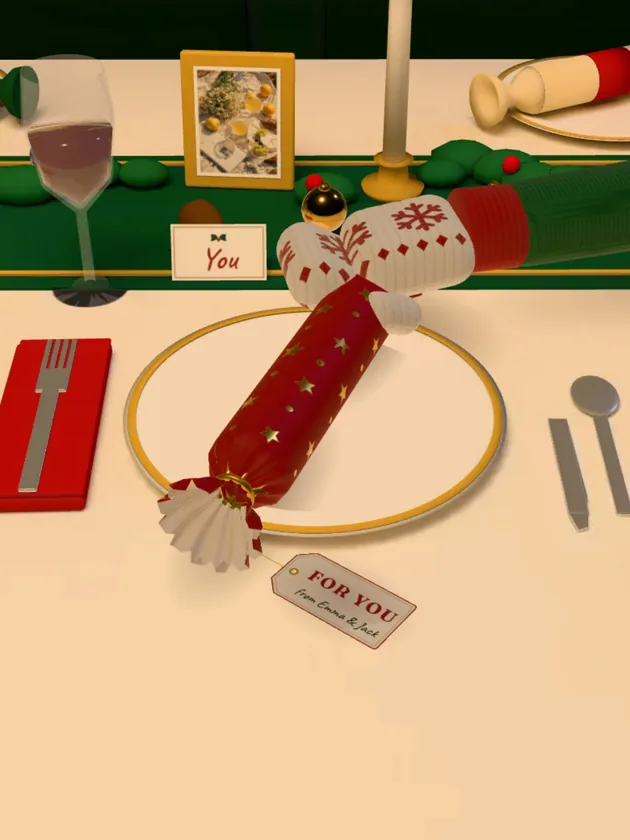
They pull their end of a Christmas cracker; it goes off with a bang, a gold paper crown lands on the plate and the invitation unrolls.
Open it yourself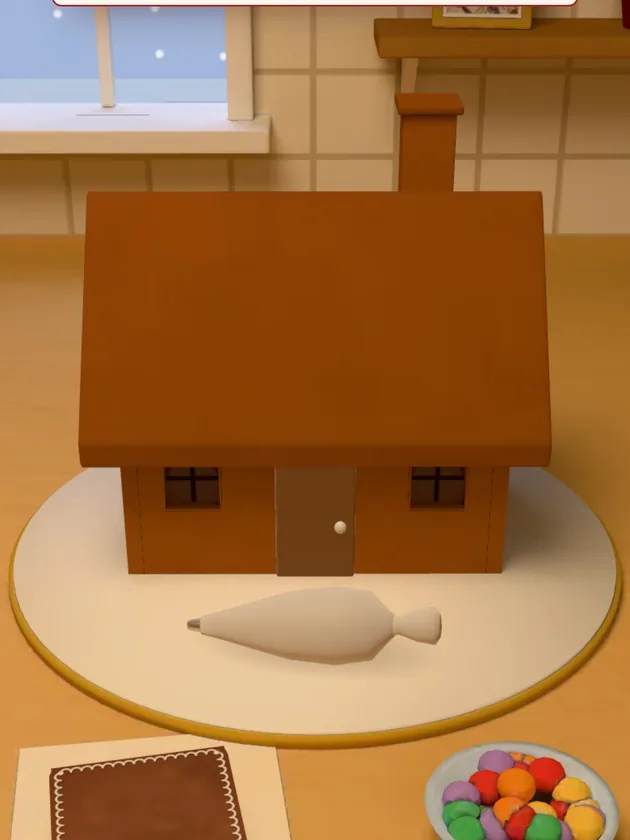
They pipe icing along the roof of a gingerbread house; the sweets hop on, the windows light up and the hosts come out with a sign: “Join us!”
Open it yourself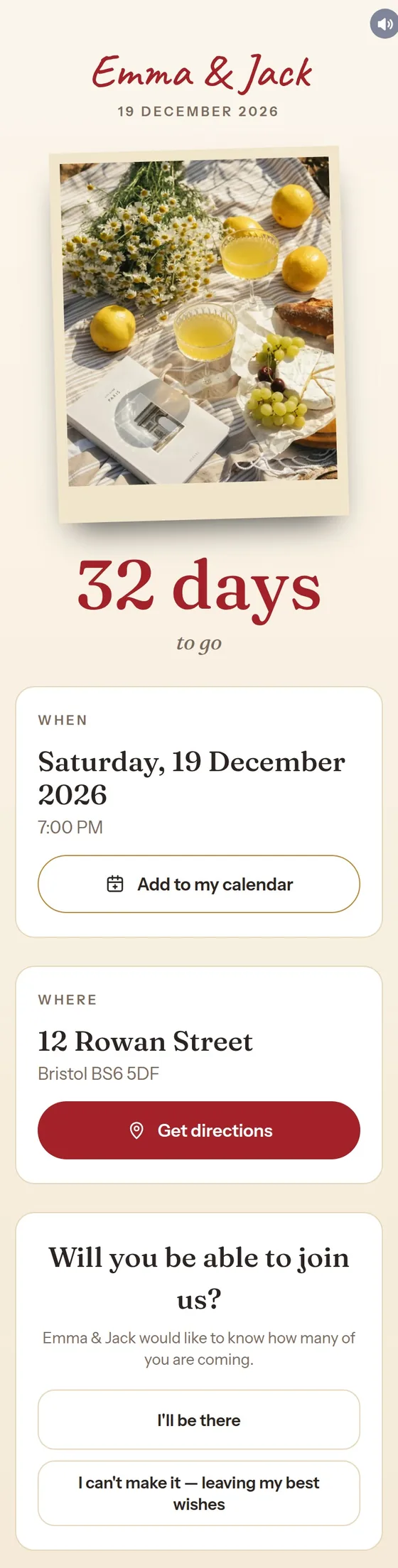
Pick the day, write your words, choose how it opens.
On WhatsApp, by text, anywhere. You can send it to a group, too.
Nothing to install, no account; it opens in their phone’s browser.
Yes. Making one, sending it and collecting replies are free. No subscription, no ads on the invitation.
No. They tap the link and it opens in their phone’s browser, on iPhone and Android.
Guests tap “I’ll be there” and say how many are coming, or leave their best wishes. The replies are listed in the app.
Yes. Give the party its own name (“Office Christmas party”, “Christmas dinner”) and the scenes and the invitation say it.
Edit it in the app. The link does not change; everyone who opens it sees the new details.
Until 30 days after the party.
It takes a few minutes. Invitations are free, no subscription.