


Wedding invitation
A garden that lights up or a sealed scroll, with every detail inside.
See how it opens
A wedding, an engagement party, a birthday, a Christmas or New Year’s Eve party: make the invitation in the app and send its link. Guests touch it; it opens on the day, the time and the place.
You make it in the app, on iPhone or Android. The link you send opens on every phone.
A garden that lights up or a sealed scroll, with every detail inside.
See how it opens

A garden that lights up as the runner is rolled out, with every detail inside.
See how it opens
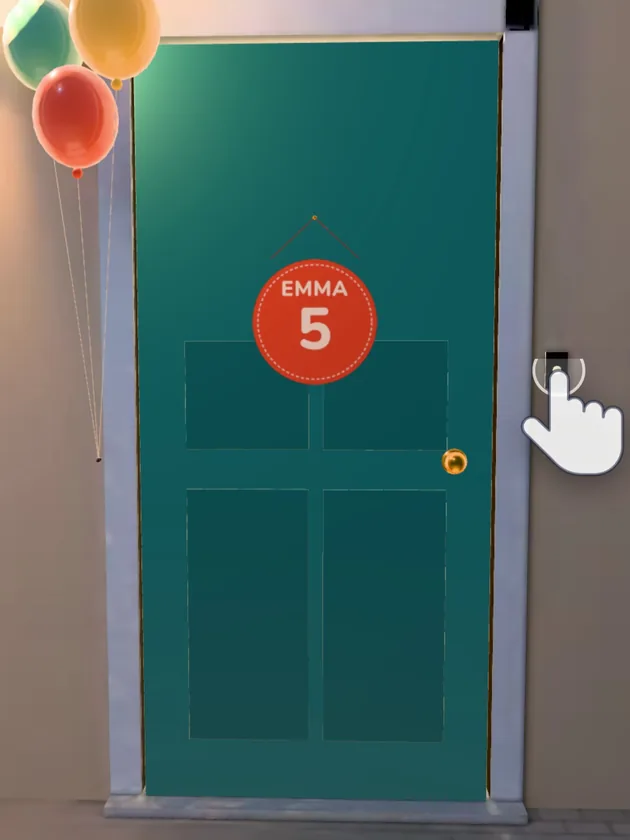
Ring the bell, letter balloons, a piñata or a neon sign; inside, the party’s day and place.
See how it opens
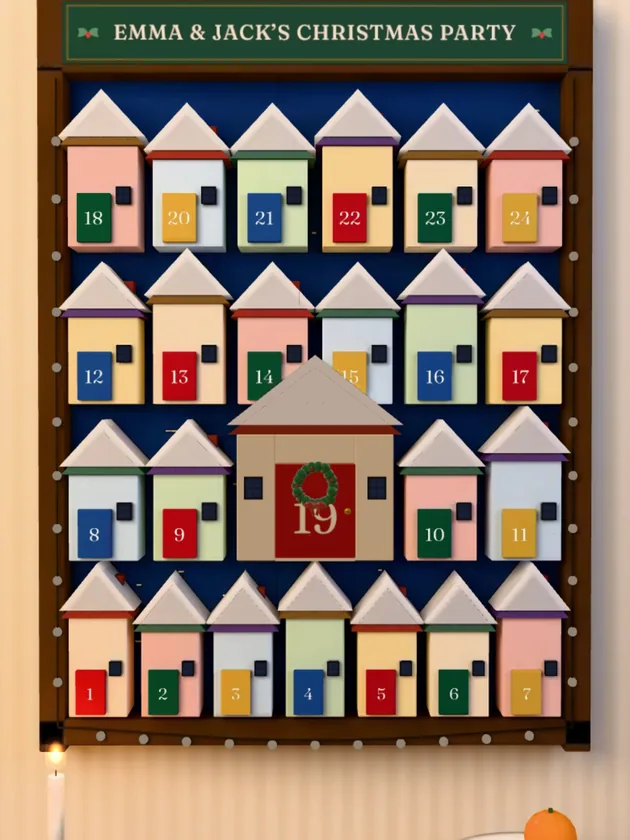
An Advent door, a fire to light, a cracker to pull or a gingerbread house to ice.
See how it opens
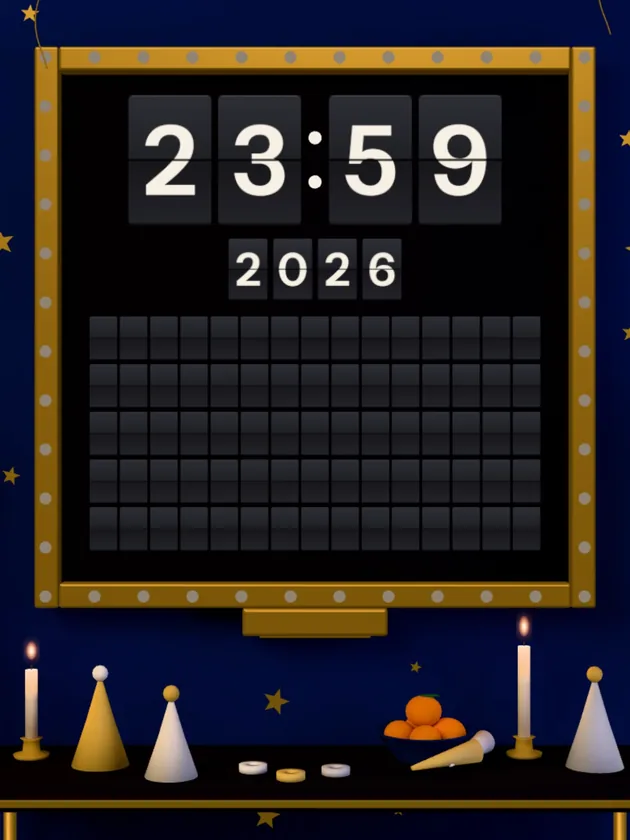
A midnight board, a sparkler, the ball drop or a tower of glasses; inside, the party’s day, time and place.
See how it opens
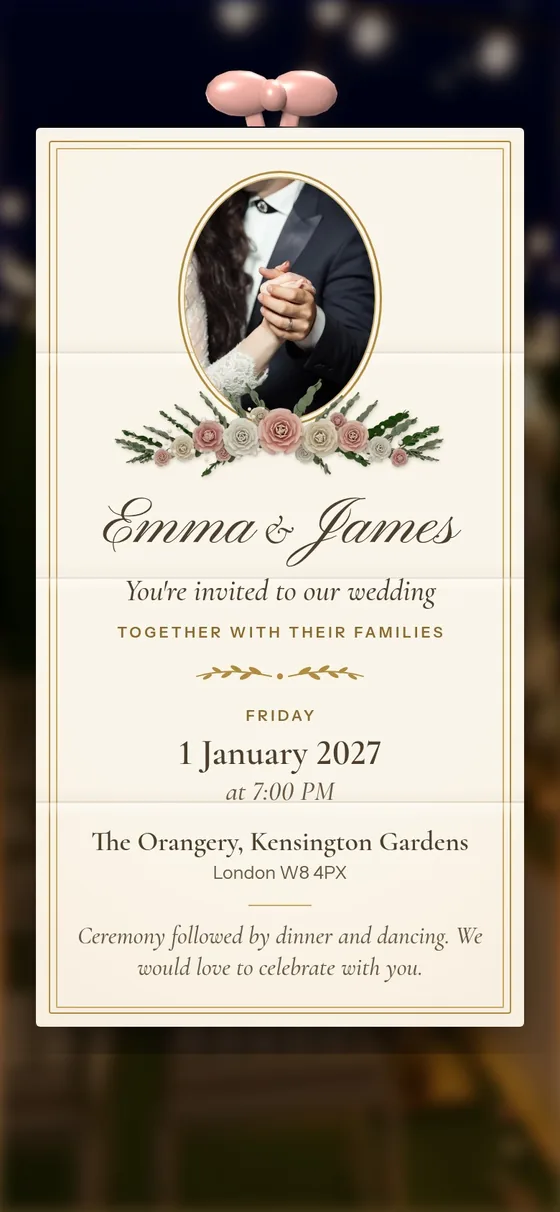
Pick the day, write your words, choose how it opens.
On WhatsApp, by text, anywhere. You can send it to a group, too.
Nothing to install, no account; it opens in their phone’s browser.
Yes. Making an invitation, sending it and collecting replies are free. No subscription, no ads on the invitation.
A wedding, an engagement party, a birthday party, a Christmas party and a New Year’s Eve party. Each has its own way of opening; where there are several, you choose one.
No. They tap the link and it opens in their phone’s browser, on iPhone and Android. Nothing to install, no account.
Guests tap “I’ll be there” and say how many are coming, or leave their best wishes. The replies are listed in the app.
Edit it in the app. The link does not change; everyone who opens it sees the new details.
Until 30 days after the event.
The invitation you send opens in the browser of any phone. You make and send it in the Tadabox app, signing in with your Apple or Google account.
It takes a few minutes. Invitations are free, no subscription.