

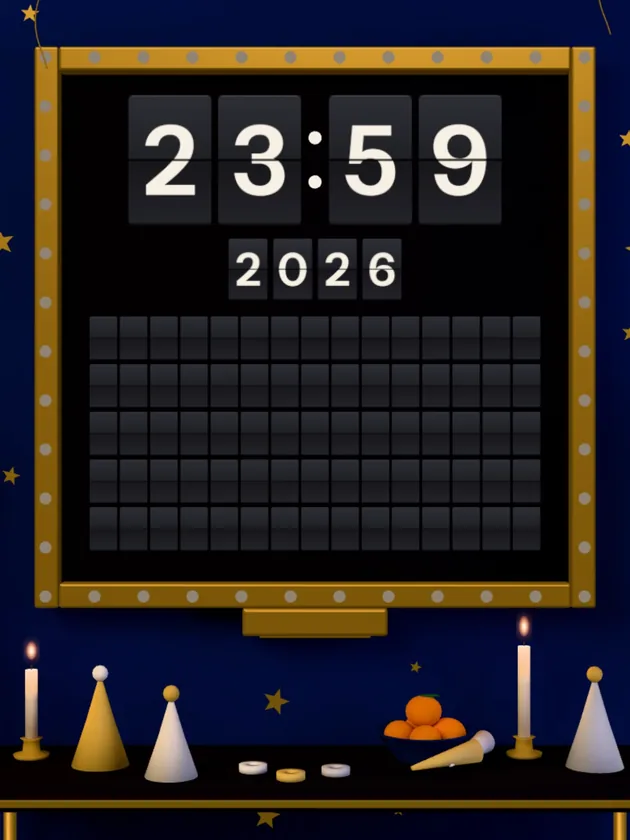
Flip to midnight
They flip an old station board to midnight; the clock turns to 00:00, the year clatters over and the flaps ripple until they spell your invitation.
Open it yourselfYour guests flip the board to midnight; the clock turns to 00:00 and the flaps ripple until they spell your party: whose, which day, from what time.
You make it in the app, on iPhone or Android. The link you send opens on every phone.
They flip an old station board to midnight; the clock turns to 00:00, the year clatters over and the flaps ripple until they spell your invitation.
Open it yourself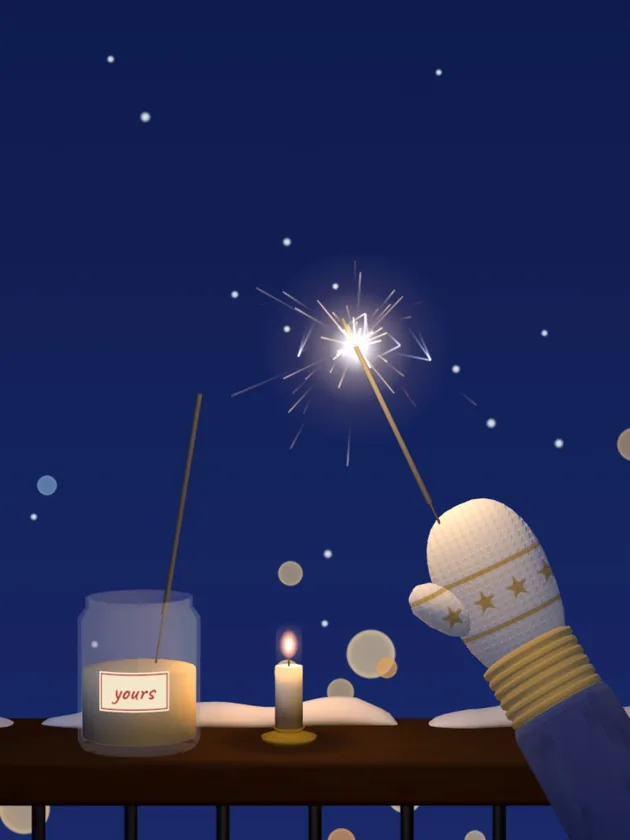
They light their sparkler from yours and draw in the air; the light stays, and the picture becomes a photo print with the invitation under it.
Open it yourself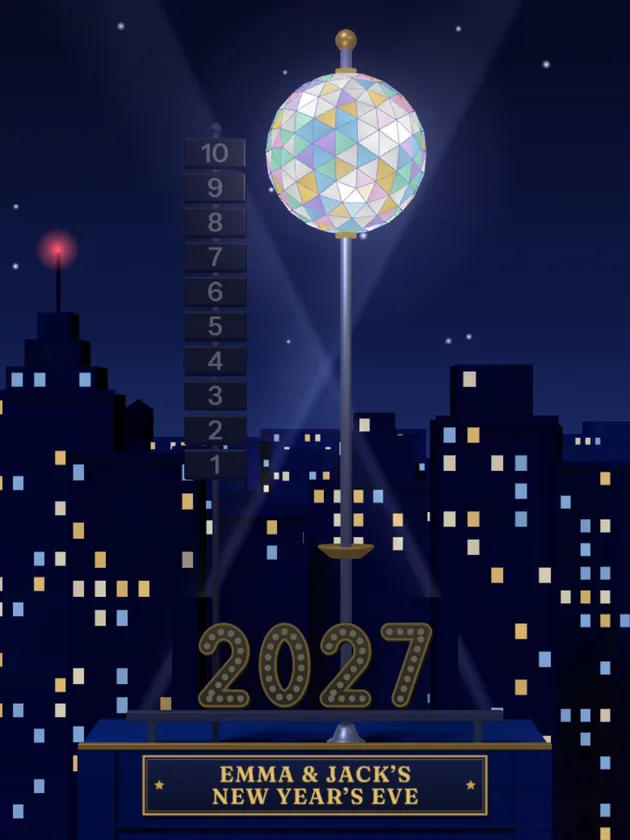
They bring the midnight ball down themselves; every number it passes lights, the new year comes on bulb by bulb and the invitation comes out of the confetti.
Open it yourself
They push the cork out and pour: a tower of glasses fills from the top down, the lights come on, and the place card at its foot is your invitation.
Open it yourself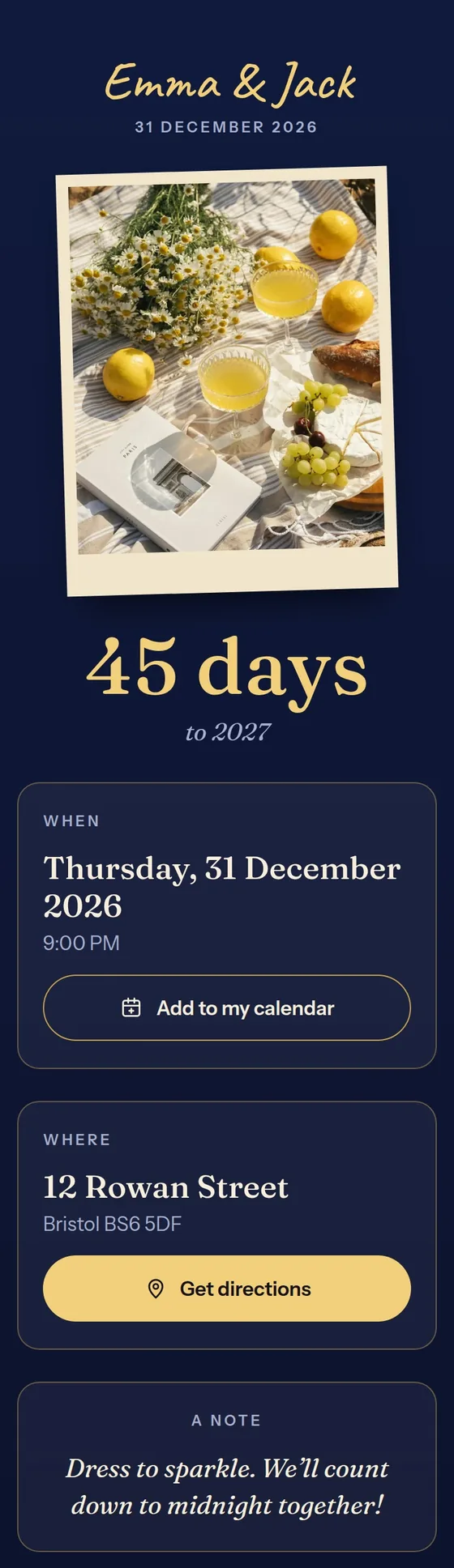
Pick the day, write your words, choose how it opens.
On WhatsApp, by text, anywhere. You can send it to a group, too.
Nothing to install, no account; it opens in their phone’s browser.
Yes. Making one, sending it and collecting replies are free. No subscription, no ads on the invitation.
No. They tap the link and it opens in their phone’s browser, on iPhone and Android.
Guests tap “I’ll be there” and say how many are coming, or leave their best wishes. The replies are listed in the app.
Yes: “New Year’s dinner”, “Pyjama night”, “Roaring Twenties night”. The scenes and the invitation say the name you give it.
Edit it in the app. The link does not change; everyone who opens it sees the new details.
Until 30 days after the party.
It takes a few minutes. Invitations are free, no subscription.